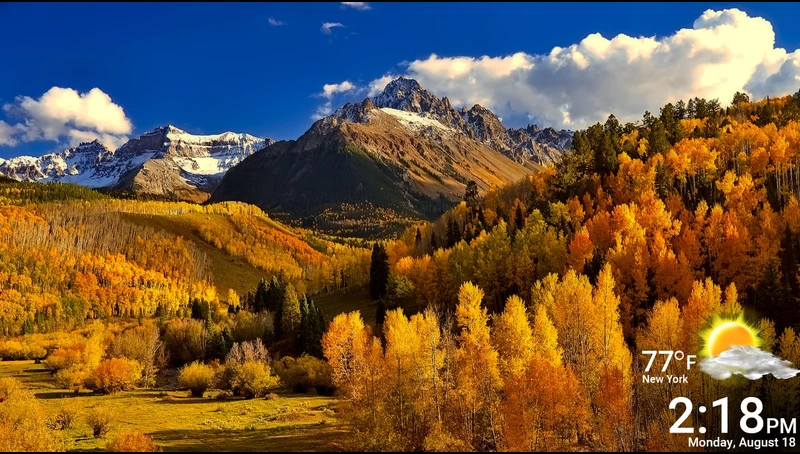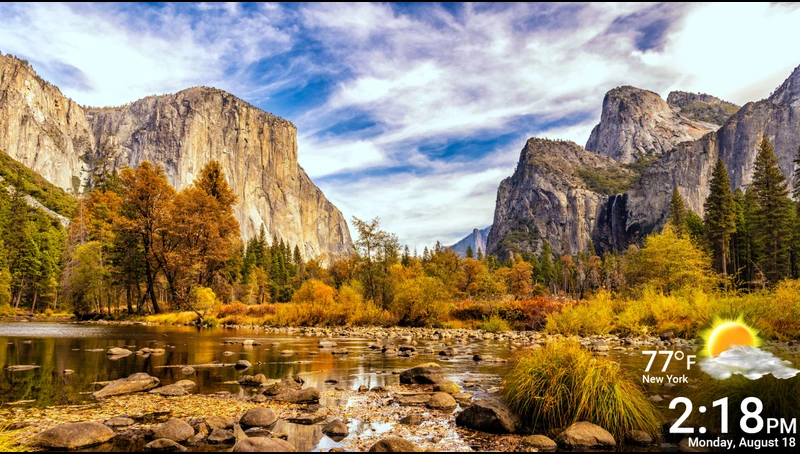

Fall in Mountains is a free screensaver that displays a slideshow of stunning Autumn scenery while your Roku is idle. The screensaver also shows the current local temperature along with the time and date. See screenshots below.
To activate the Fall in Mountains after downloading it to your Roku, from your Roku's home screen go to Settings >> Theme >> Screensavers >> [select your screensaver] >> Set as screensaver.
-- Information is current as of October 16, 2025
CHANNEL STORE DESCRIPTION: Enjoy the vibrant colors of fall with golden forests, clear skies, and peaceful mountain views that bring warmth and serenity to your TV.
CHANNEL STORE CATEGORY: Screensavers
DEVELOPER: JP
FEES: None
Screenshots: