Quick Look: Weather4us should be the go-to Roku weather app for weather geeks, and for anyone else who's looking for more than generalized graphical forecasts. The app also provides easy access to radar, current conditions, and some other cool features that I'll tell you about below, like weather alerts.
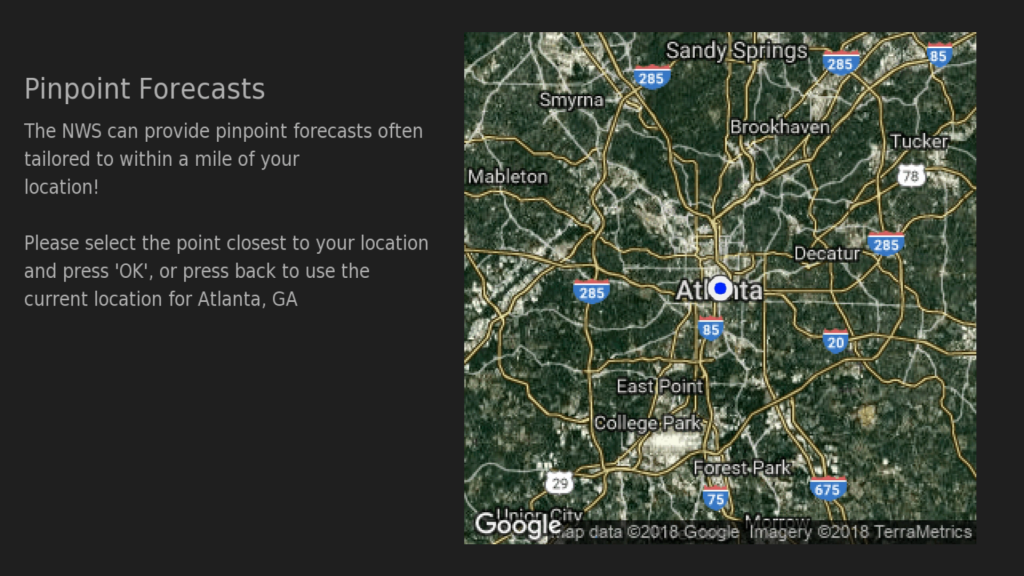
Location Selection - The first thing you'll want to do after loading Weather4us for the first time is set up your cities. Just select "Add Location" from the menu bar at the top of the screen to find a city by name or zip code. The app even lets you pinpoint a location on a map if the default city or zip location isn't accurate enough for you. After saving your locations, each location will be shown in the top menu bar. You can rearrange the order in which they're shown by highlighting a location and using the rewind and fast-forward buttons on your Roku remote to move them.
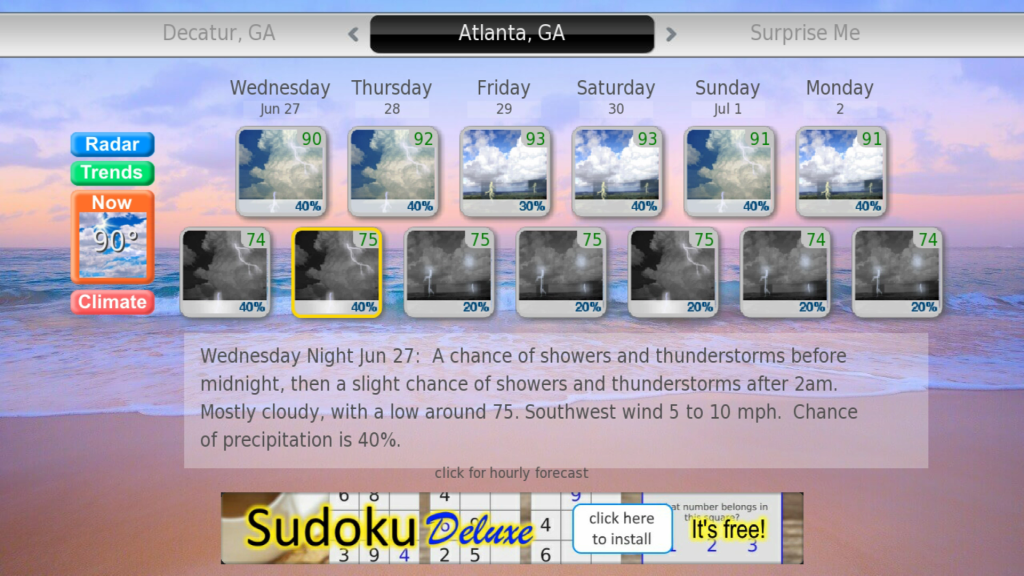
7-day Forecasts - After setting up one or more locations, the Weather4us home screen will give you a 7-day at-a-glance forecast with daily hi/lo temps plus daily/nightly precipitation potential. Even better, it also provides a detailed daily/nightly text forecast from the National Weather Service - just highlight the forecast period and the details are shown on the bottom half of the screen (see screenshots below). But that's not all: Click on the highlighted forecast period and you'll see a 24-hour graph (use the arrow keys on your remote to move ahead or back in 24-hour increments) of the forecasted temperatures, wind chill or heat index, dew point, sky cover percentage, humidity, and precipitation potential. Also shown are wind speeds and directions. And as Ron Popeil exclaims in the Ronco commercials, "But Wait! There's More!" Those are just the default settings. Press the * button to customize the graphs by removing any one or more of those data items.
Weather Alerts - If there are any weather alerts, such as hazardous weather outlooks or severe storm watches or warnings, an alert icon is shown on the left side of the screen. Clicking the icon brings up the detailed alert as delivered by the NWS. If there are multiple advisories, you can select which to read. Leave the Weather4us channel running and an audible alert will sound if a severe weather warning is issued for the location designated as your primary weather location.
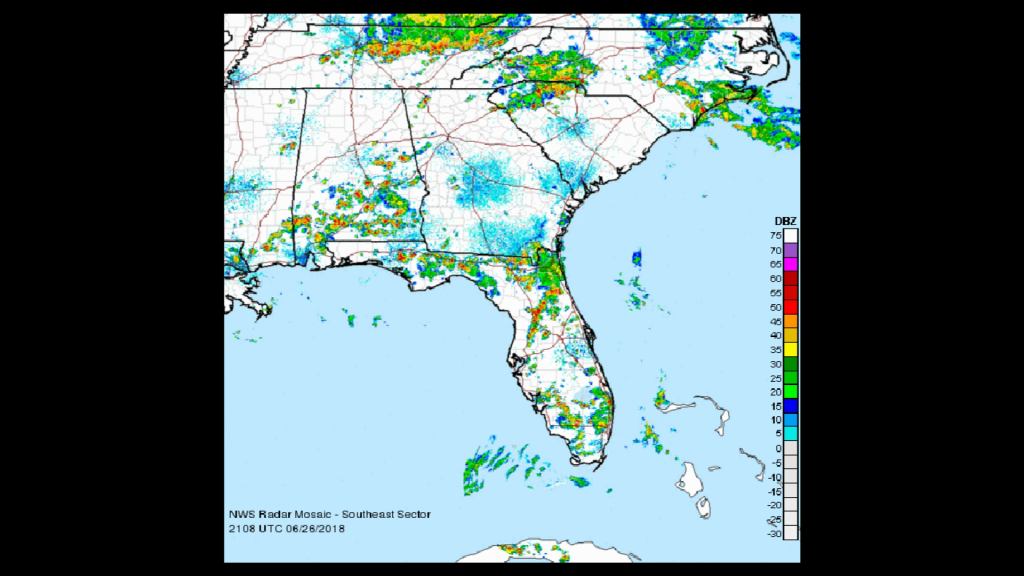
Weather Maps - The left side of the screen shows a radar icon, which will bring up a timelapse of the local radar. Zoom in or out using the fast-forward and rewind buttons on your remote. Once zoomed in, the directional arrows on your remote will scroll around the image. Also available are CONUS doppler radar showing the entire US and a regional visible satellite image (both are also timelapse); press okay or the back arrow on your remote to select from the three choices or to exit the main screen.
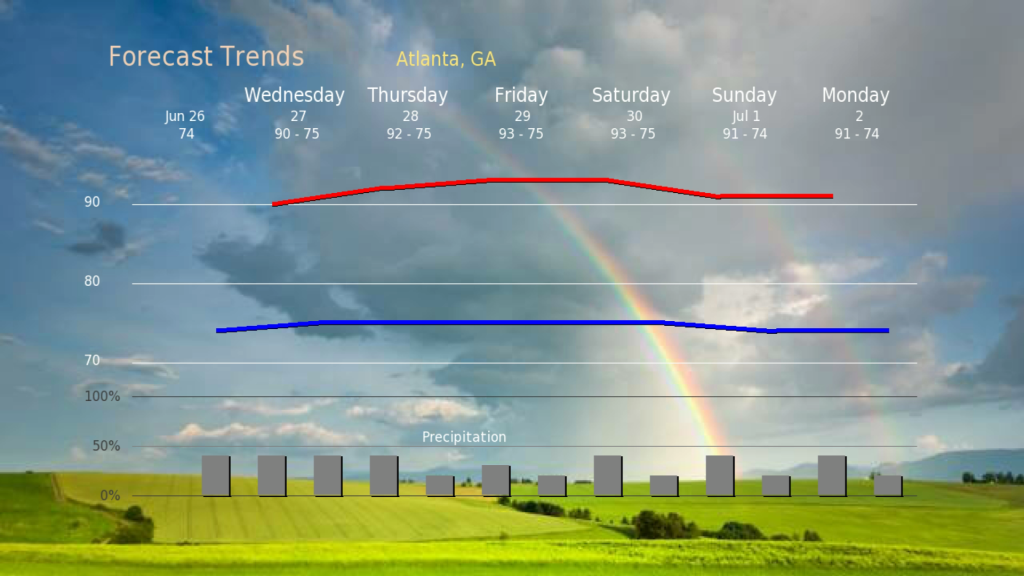
Forecast Trends - The "Trends" button on the left-hand menu brings up a line graph of the 7-day high and low forecast temps and a bar graph of the 7-day precipitation potential.
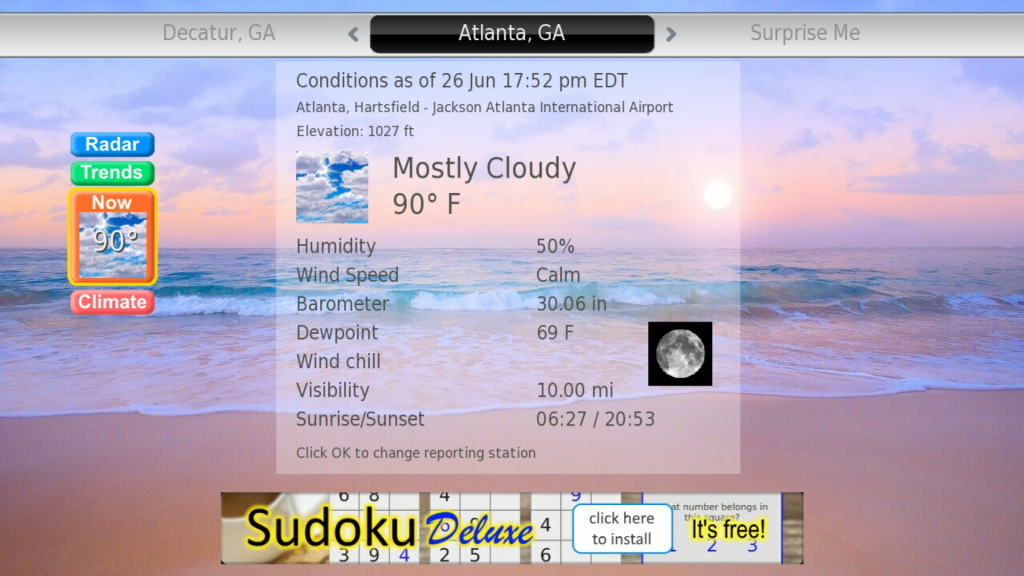
Current Conditions - The "Now" button shows the current temperature, but highlighting it delivers official NWS conditions that include sky cover, temperature, humidity, wind speed, barometric pressure, dew point, wind chill (when applicable), visibility, and sunrise/sunset times. The reporting station for your selected location is shown near the top of the screen. Many locations have multiple reporting locations; press OK on your remote to select a different reporting station, if available.
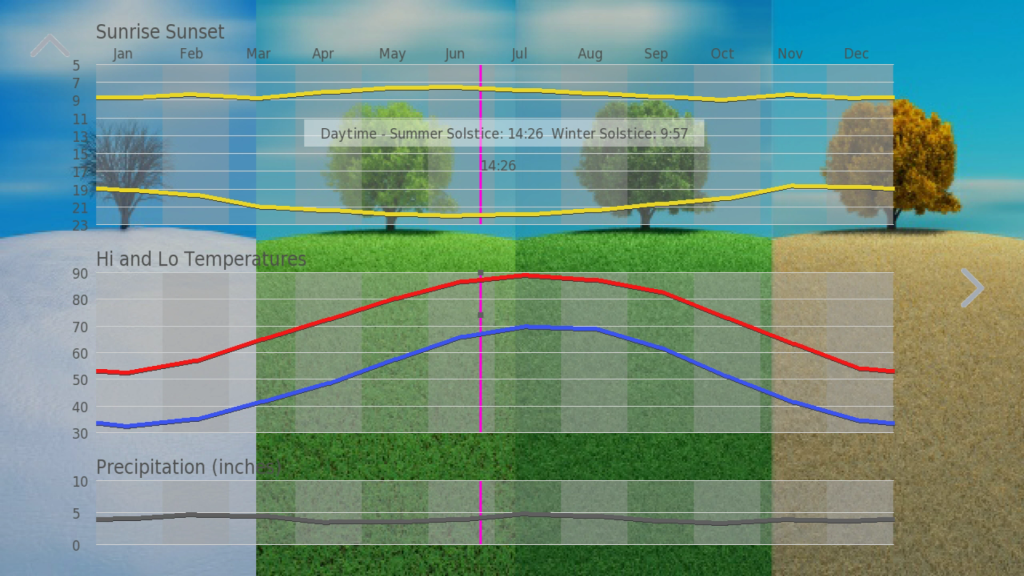
Climate - If you want to see how today compares to normal, this is the button for you. This feature shows graphs of annual sunrise and sunset times, normal high and low temperatures, and average precipitation. Also shows are today's day length, high and low temperature, and precipitation, letting you compare current conditions to normal or average conditions. Use the right arrow on your remote to view three-month outlook maps for temperature and precipitation probabilities (above normal, normal, and below normal).
National Maps and More - Weather4us also provides access to national weather forecasts and conditions through more than two dozen NWS graphics that include national radar, satellite image, weather map, precipitation forecast, and current sky cover. These graphics are updated throughout the day and can be found under the main menu - just press the * button on your remote and select "National slides."
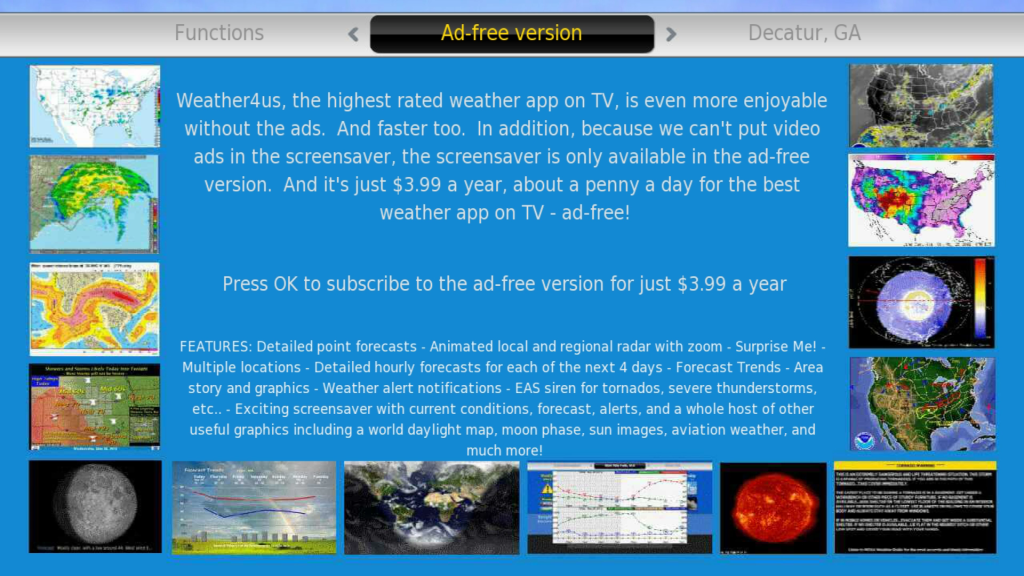
Screensaver - Weather4 us includes a screensaver that will display the above-mentioned graphics, along with the seven-day forecast and current conditions screens, when your Roku is idle. This screensaver, though, is only available to paid subscribers. (NOTE: to activate the Weather4us screensaver, go to the Settings menu on the main Roku screen, select the Screensavers option, and then select Weather4us from the list available screensavers.)
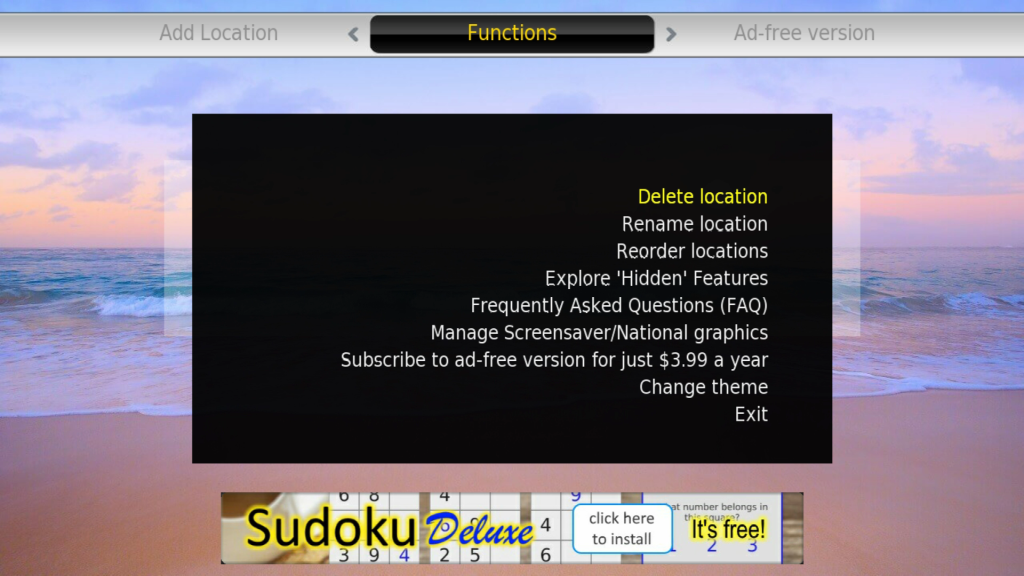
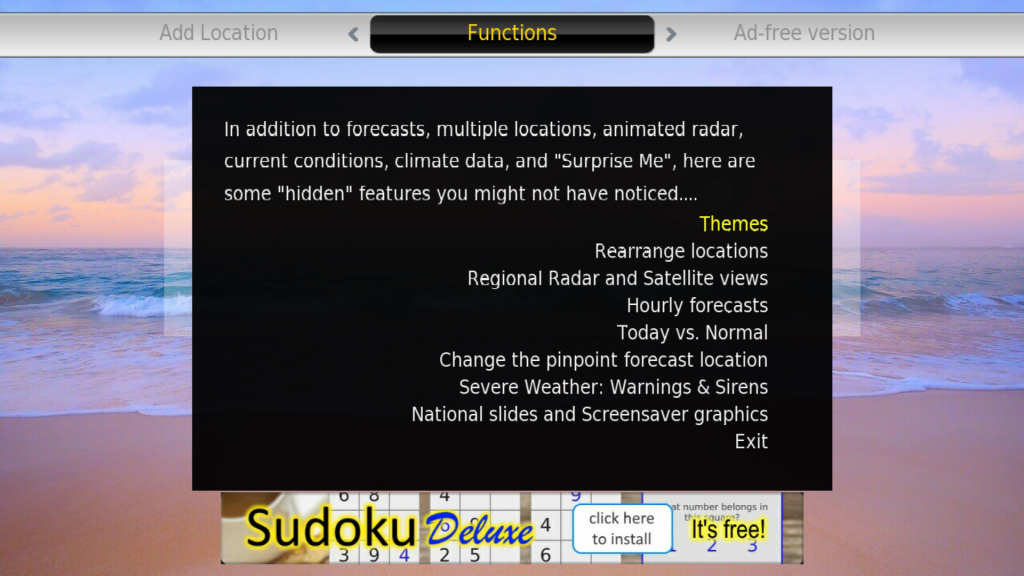
Those are the main highlights of the Weather4us Roku app. Spend some time poking around in the app and you may find a few more - don't forget to explore more of the options under the main menu (accessible with the * button on your remote).
For more information on Roku weather channels, please see our article "The Best Weather Channels on Roku."
-- Information is current as of October 20, 2021
Developer's Channel Description: Experience the highest rated weather app on TV - for free! US weather including extended pinpoint forecasts, animated Doppler radar, satellite, alerts, national weather, climate, an exciting screen saver and much more! Nothing else comes close.
CHANNEL STORE CATEGORY: News & Weather
DEVELOPER: PC-Magic Software, LLC
FEES:
Free with ads. Ad-free for $3.99 per year. Purchase subscription through the channel's main menu, accessible with the * button on your remote.
RELATED LINKS:
Weather4us Website